
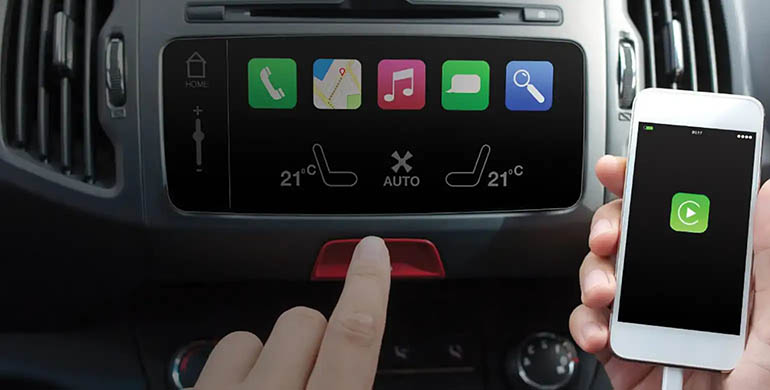
Vehicles are increasingly more than just a means of transport for many people. In many ways they are becoming hubs of connectivity.
But how can you connect your phone to your car? It’s a question some people struggle with. Keen to connect their phone’s map system or their latest Spotify playlist for the journey ahead.
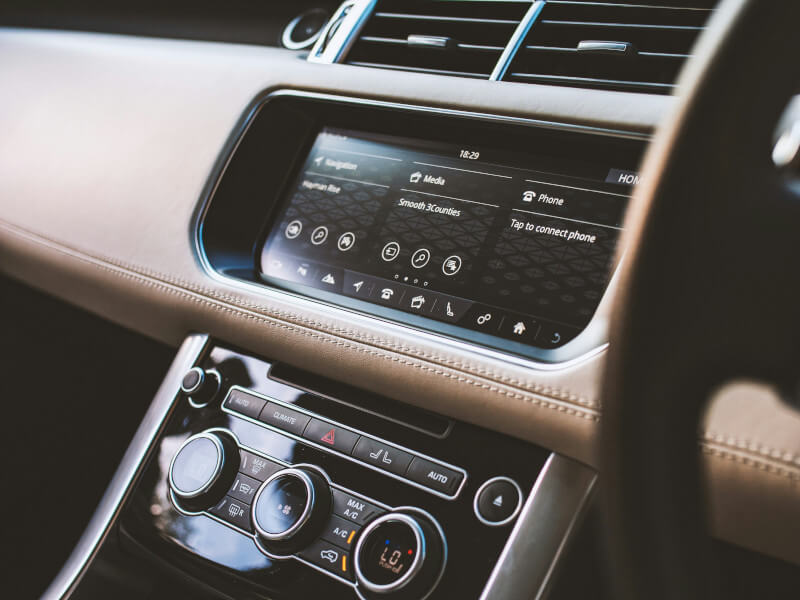
Pair Your Phone to Your Car
- Bluetooth Connectivity:
- Initiate Pairing: First you will need to turn on the Bluetooth of your phone. Then access the Bluetooth settings in your car's system. This is usually found under 'Settings' or 'Connections'.
- Pair Devices: Once the devices have found each other, you can select your phone from the list on your car's display. You will likely be asking to accept the pairing on your phone.
- Test the Connection: Confirm you have successfully connected the phone to the car by playing some music or making a call through your car's onboard system.
- Initiate Pairing: First you will need to turn on the Bluetooth of your phone. Then access the Bluetooth settings in your car's system. This is usually found under 'Settings' or 'Connections'.
- USB Connection:
- Use a Compatible Cable: A little more old-school, but you can use the cable that came with your phone or a high-quality third-party cable, particularly for Apple CarPlay.
- Plug-In and Select: Simply connect your phone to your car's USB port and choose 'File Transfer/Android Auto/Apple CarPlay' on your phone.
- Use a Compatible Cable: A little more old-school, but you can use the cable that came with your phone or a high-quality third-party cable, particularly for Apple CarPlay.